macOS app beta
hun in your menu bar.
a native-feeling desktop app for project switching, service control, and logs. built for the moment when you want hun visible without opening another terminal pane.
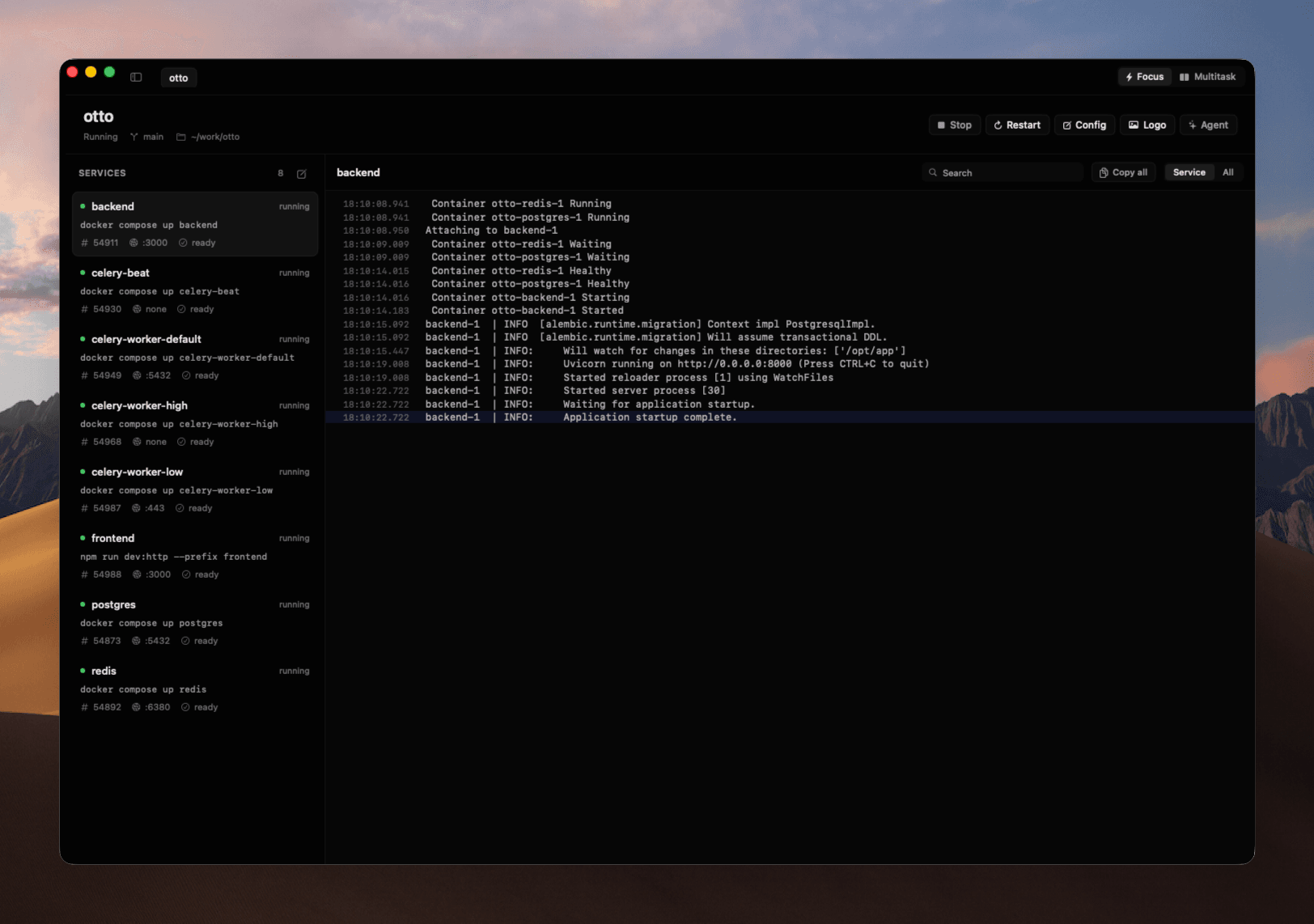
early testing build
this is the current beta path before the signed dmg. the installer verifies the zip, removes old hun cli installs that can conflict with the daemon protocol, installs hun.app, and opens it.
curl -fsSL https://hun.sh/install-macos-beta.sh | shmenu bar first
open hun from the menu bar, switch projects, restart services, and jump into logs without keeping the terminal in front.
focus and multitask
run one project cleanly, or keep multiple stacks alive when you need frontend, workers, databases, and queues side by side.
docker aware
services that depend on docker can start Docker Desktop before hun asks compose to pull images or boot containers.
bundled cli
the app ships with its own hun cli inside the bundle, so the app uses the protocol it was built and tested with.